
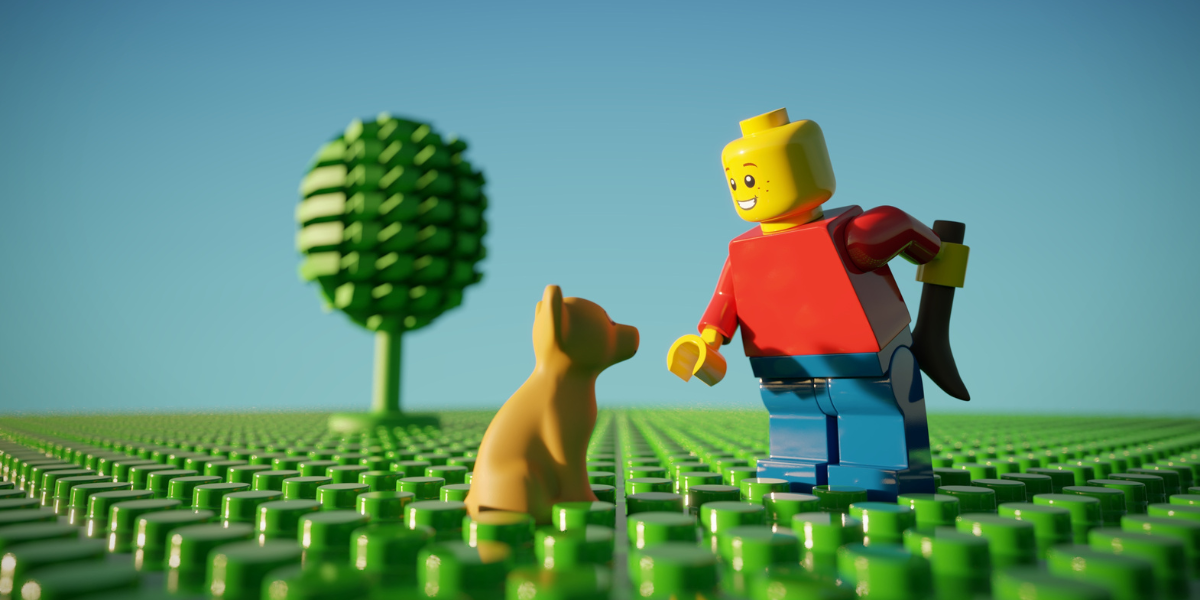
If your kid loves LEGO, there’s a good chance they’re already budding engineers and designers—whether they know it or not. Building with bricks is more than just fun: it’s hands-on STEM education disguised as play! And if you’re looking for a way to nurture that creativity without just plopping them in front of a screen, 3D printing might be the perfect next step.
Disclosure: This post contains affiliate links, which means I may earn a small commission if you buy through them—at no extra cost to you. I only recommend products my family actually uses and loves, especially when they help kids learn and create!
Turning LEGO Play into a Maker Mindset
Think about it: LEGO builds problem-solving skills, spatial reasoning, and perseverance. Sound familiar? It’s the same foundation that 3D printing builds, just taken to the next level. When your child starts designing and printing their own LEGO-compatible accessories, they’re not just playing… they’re inventing!
They can build custom minifig tools, make new terrain for their city, or even fix missing pieces that got sucked into the vacuum. We’ve all been there. And the best part? They’ll be learning about design, materials, digital tools, and creative thinking, all while doing something they already love.
The Best First 3D Printer for LEGO Creators: Bambu A1 Mini
Getting started with 3D printing sounds a little intimidating, but it doesn’t have to be. That’s why I recommend the Bambu A1 Mini: it’s a compact, smart printer that’s perfect for kids and the whole family!
What makes it awesome?
- Smart sensors that help catch mistakes (so you don’t have to babysit every print)
- Excellent detail quality, so LEGO-style parts fit just right
- Option to upgrade to multicolor printing with the AMS Lite
- Bambu Handy App, which lets kids print directly from Bambu’s MakerWorld from any mobile device, no slicing required
That last one is a game changer for families. Kids can scroll through a safe, curated gallery of models, tap a button, and the printer does the rest. (Don’t worry, they can still learn slicing later, but this lowers the learning curve and gets them printing right away.)
LEGO-Compatible Prints to Get You Started
Here are some great first projects to inspire your little builder (and maybe impress their friends):
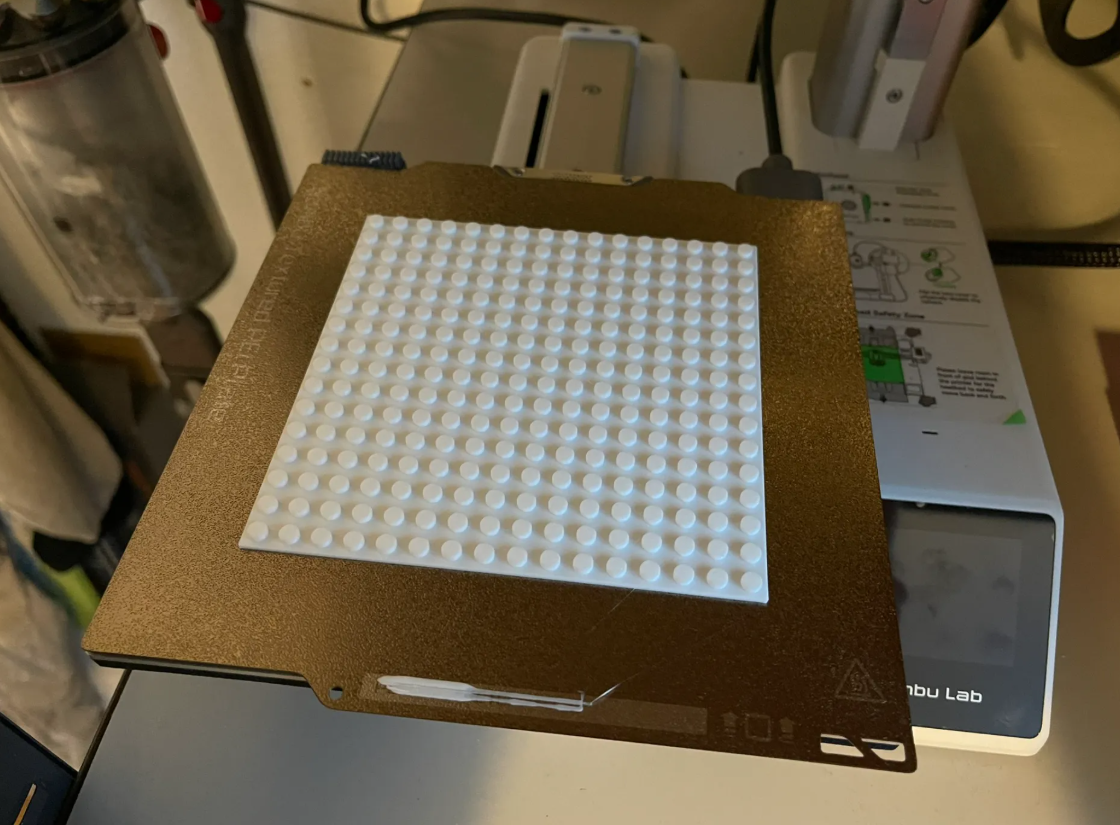
Brick-compatible base plates (16×16 for the A1 Mini) by Hollowmaker at MakerWorld
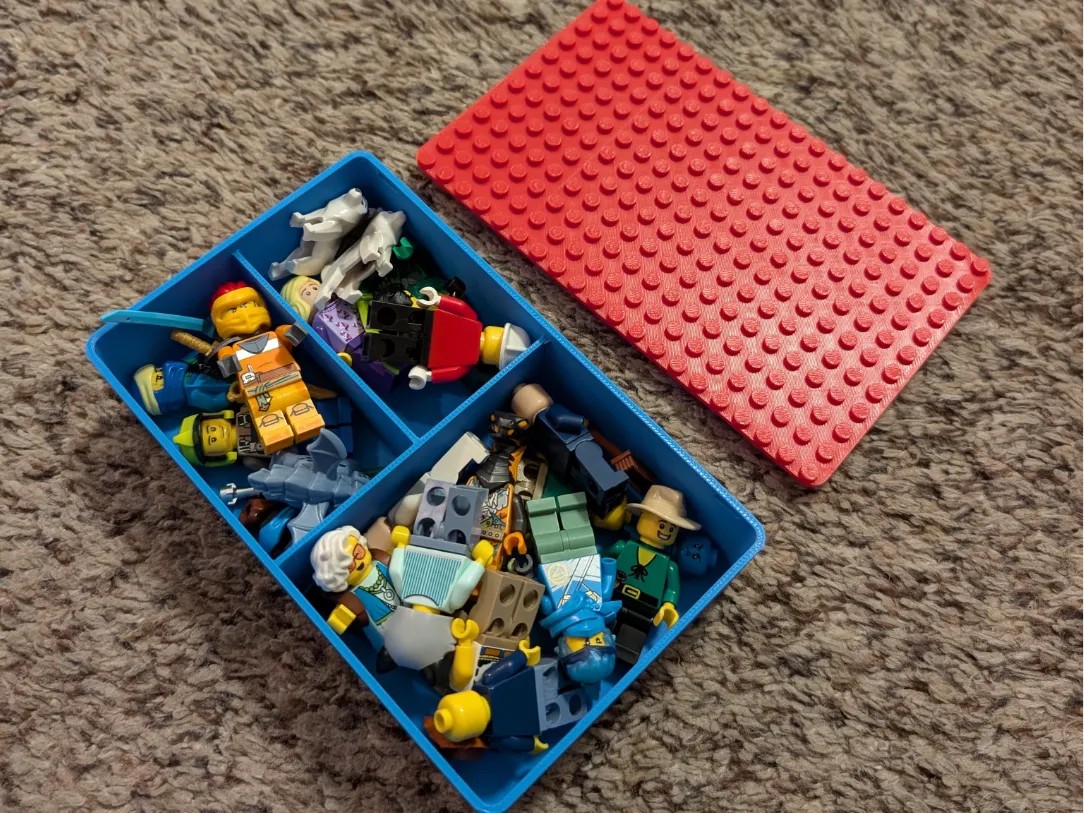
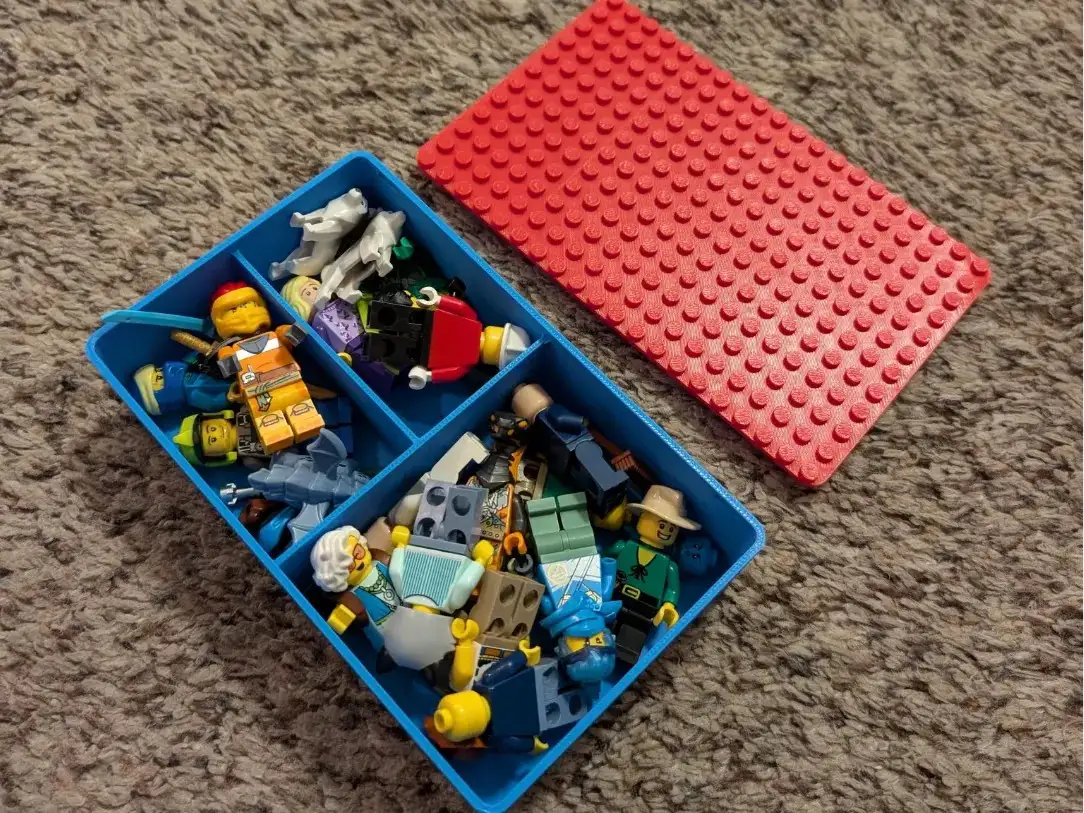
Storage boxes that stack with LEGO, by Carnolol on MakerWorld
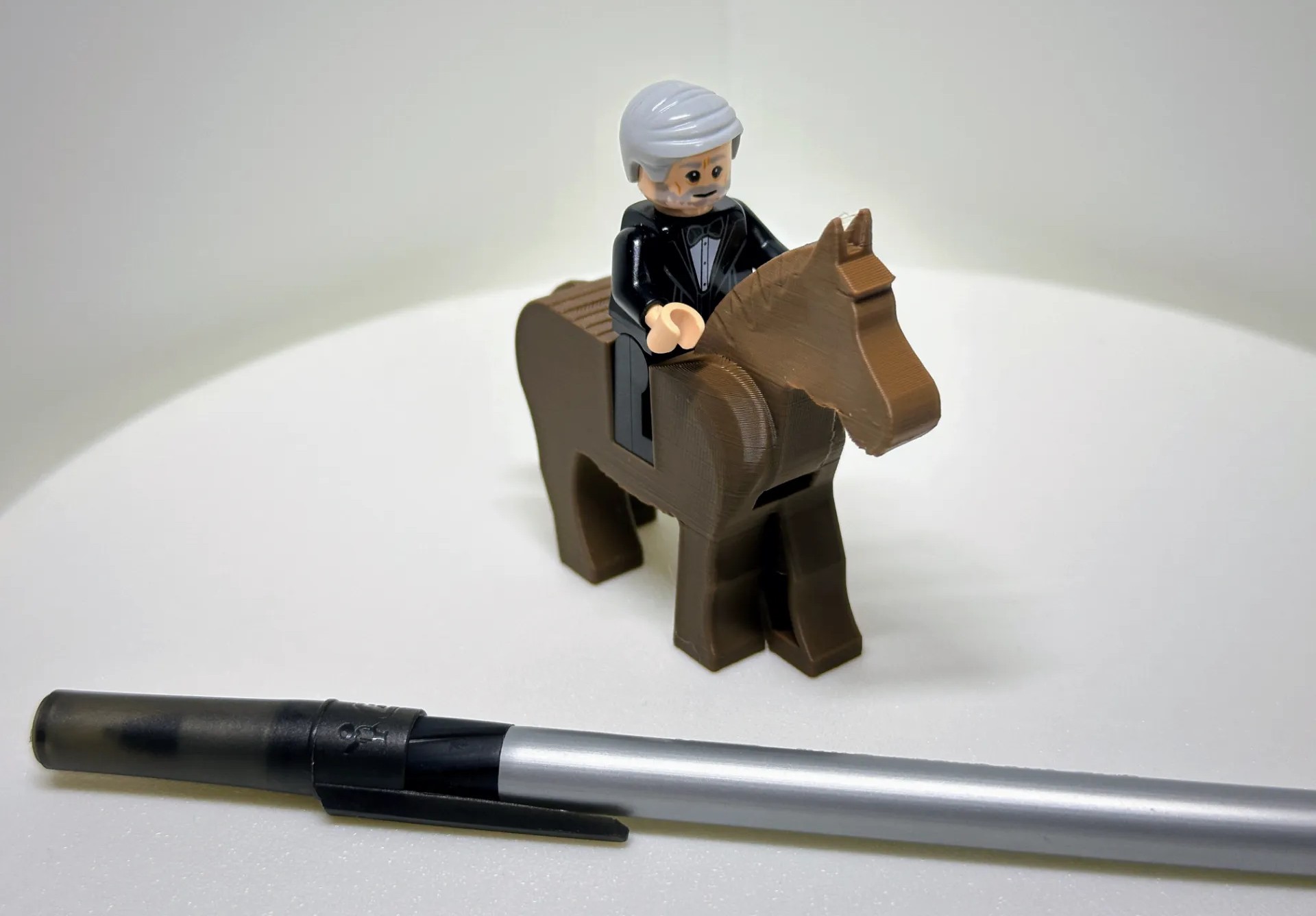
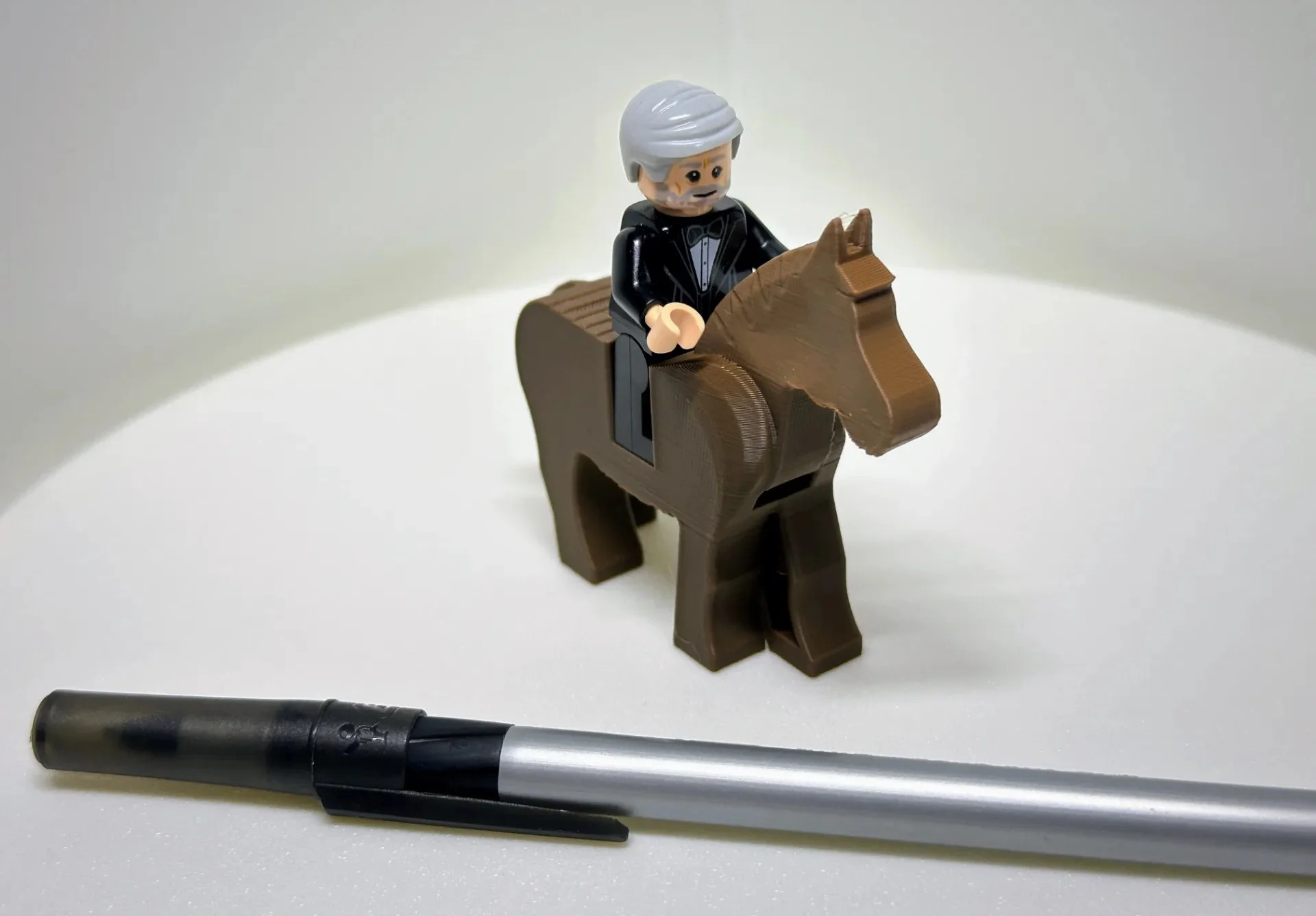
Brick Horse by The Gooser, on MakerWorld. Needs tree supports.
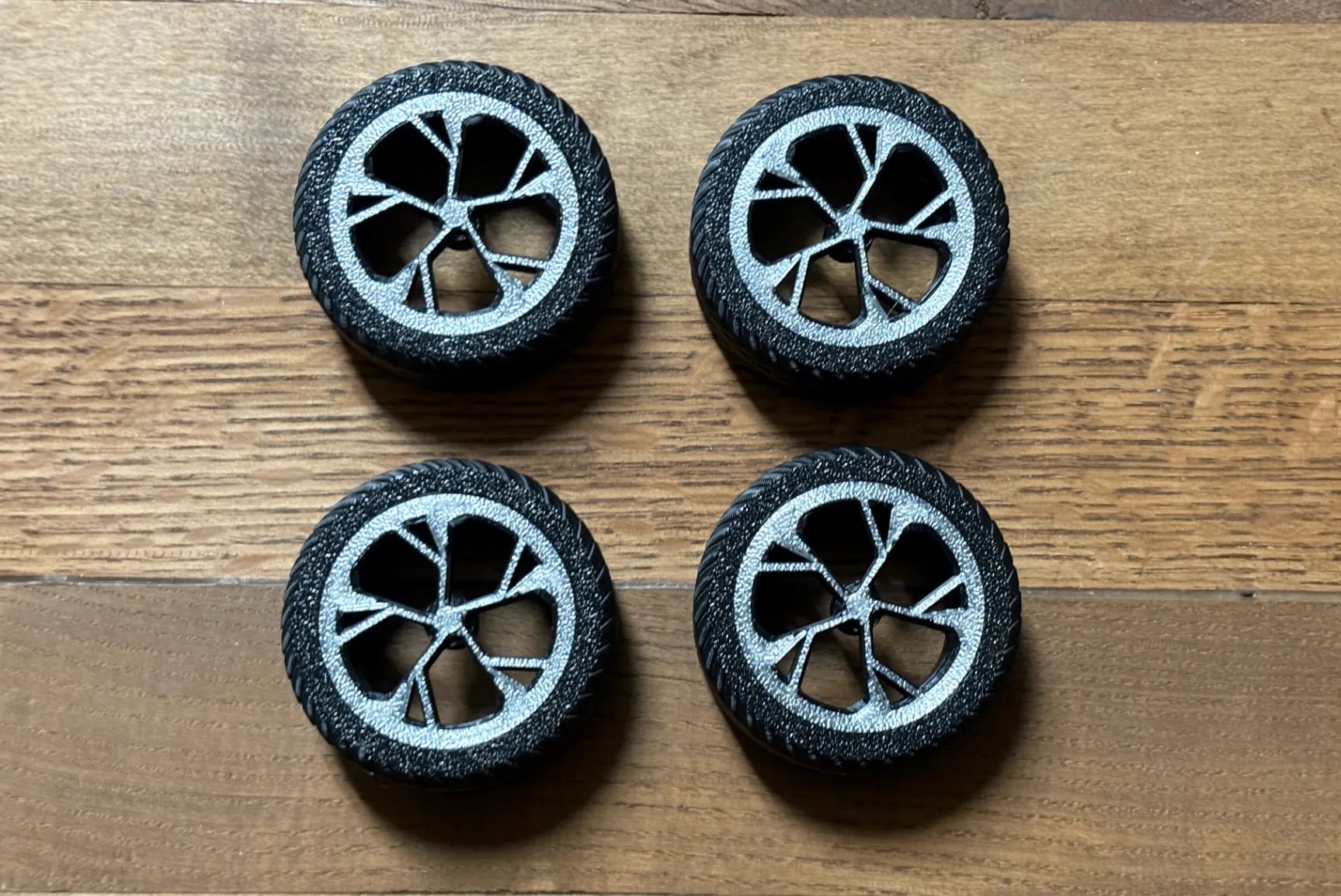
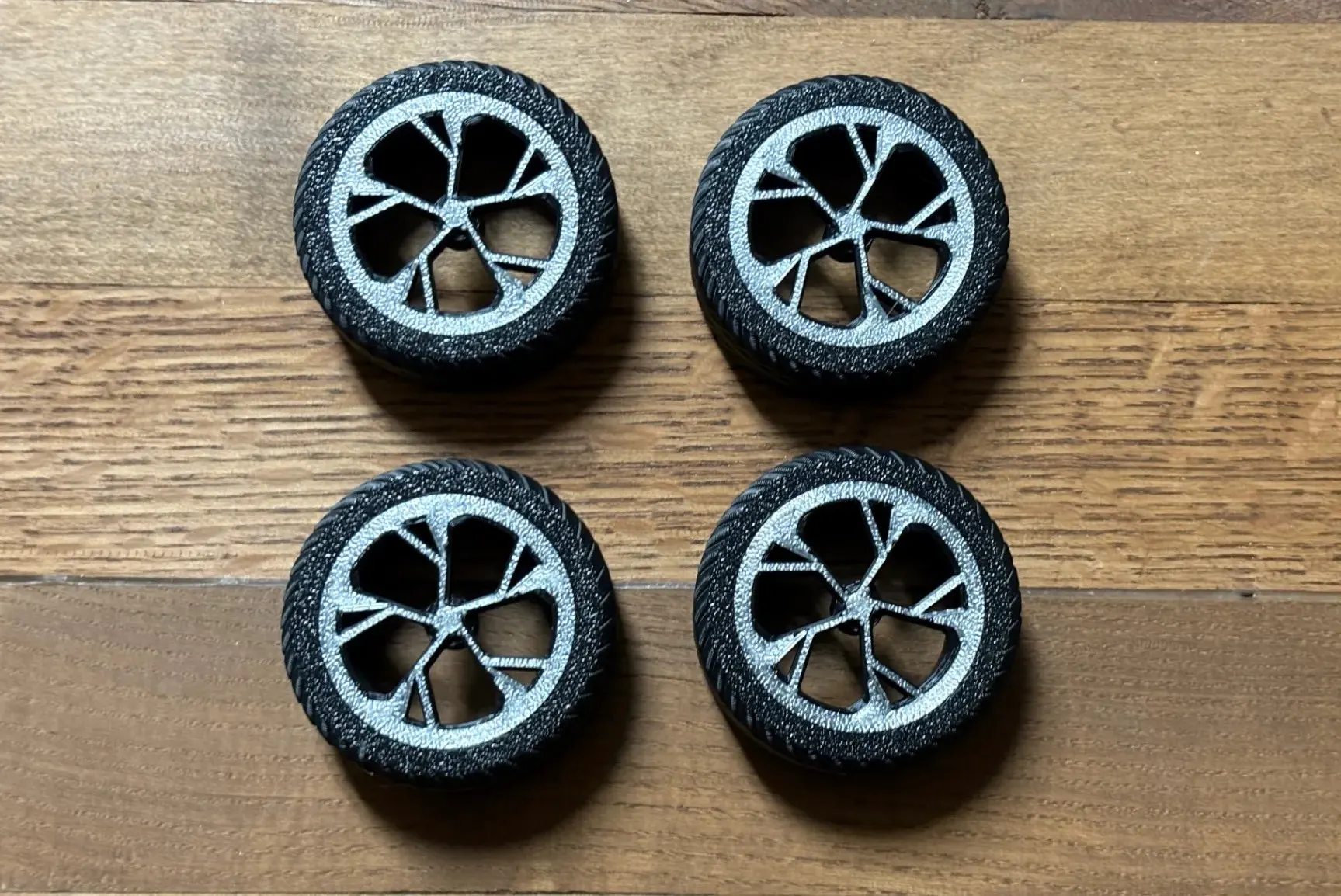
Brick compatible Audi wheels and tires, by Blwilli on MakerWorld.
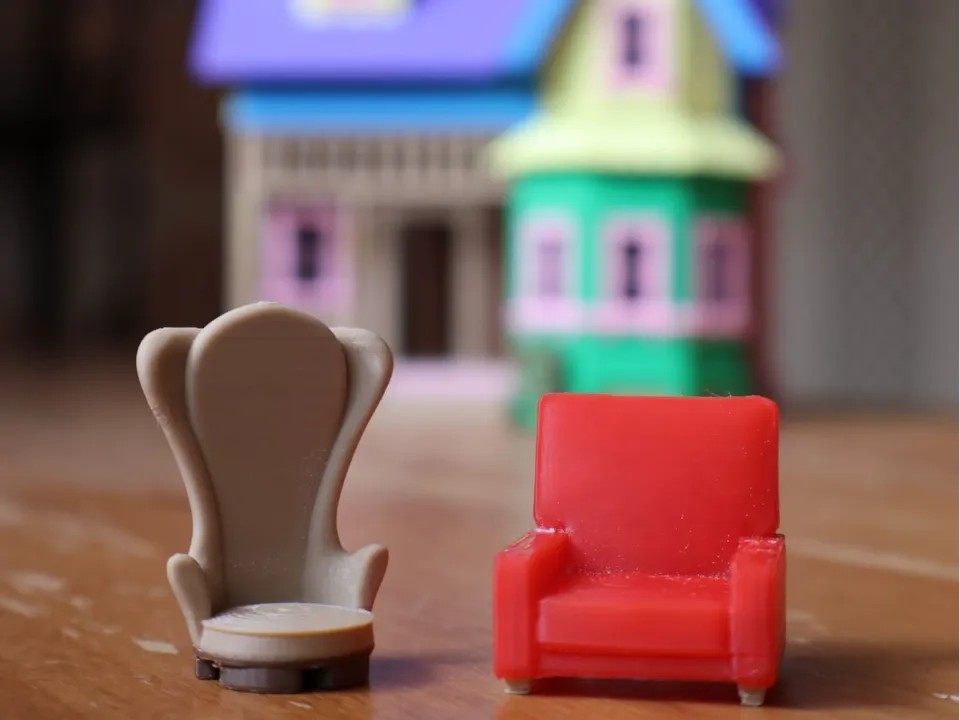
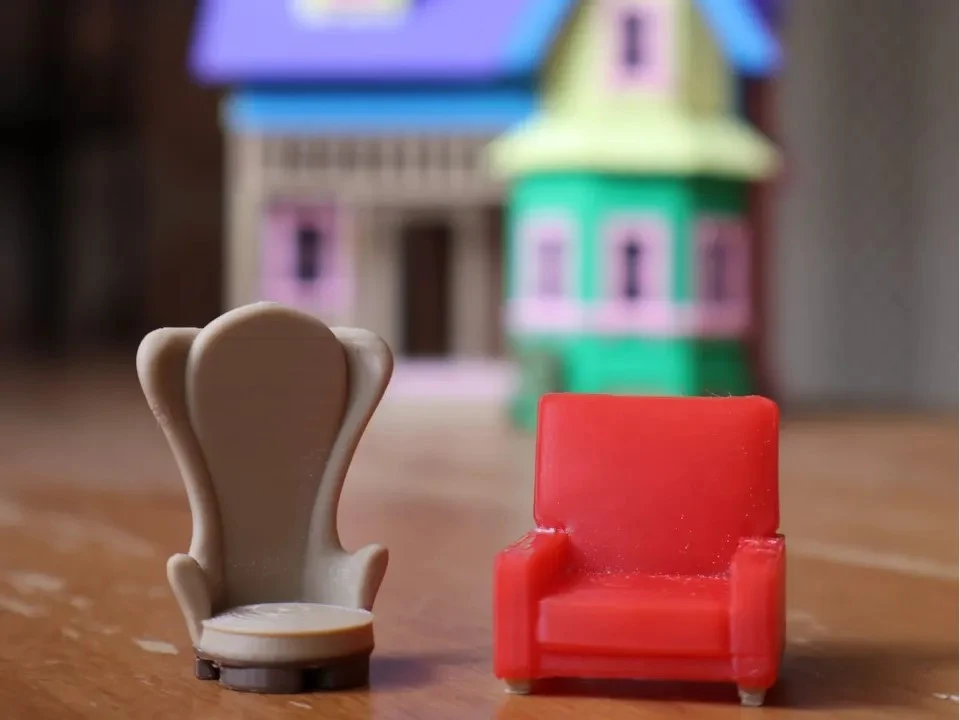
Carl and Ellie’s Chairs by Kikerv (doll house furniture, scale to fit your LEGO).
Dummy 13 3D Printer by Creative User (doll sized printer)
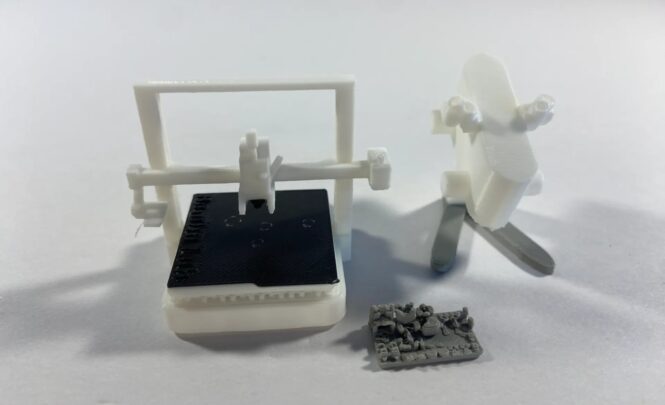
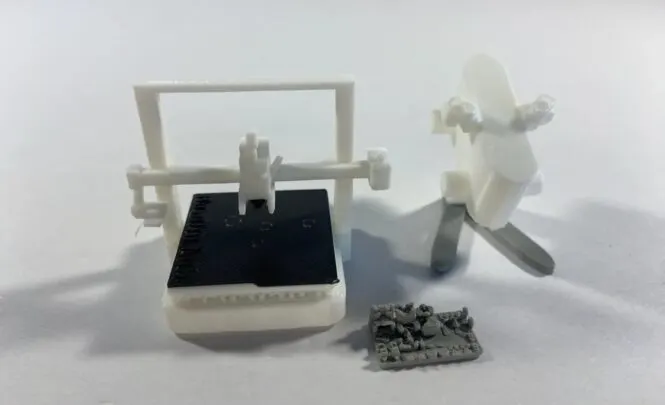
From Bricks to Blueprints
Once your child sees that they can make the parts they imagine, the possibilities really open up. You might find them designing in Tinkercad after dinner or modifying models in Blender by the weekend. (My kid started by printing a LEGO sword, and now he’s creating his own minifig armor sets!)
It’s a gentle, creative way to introduce kids to CAD and 3D modeling—without ever losing sight of the fun.
How to Use The Bambu Handy App with Your A1 Mini
- Install the Bambu Handy App on your phone or tablet.
- Browse Maker World’s curated models (the same ones above).
- Tap Print, and the file goes straight to your A1 Mini—no slicing required!
- Your kid sees their creation come to life in under an hour—and feels like a real maker.
Later, once they’re hooked, you can gently introduce slicing and more advanced design tools.